

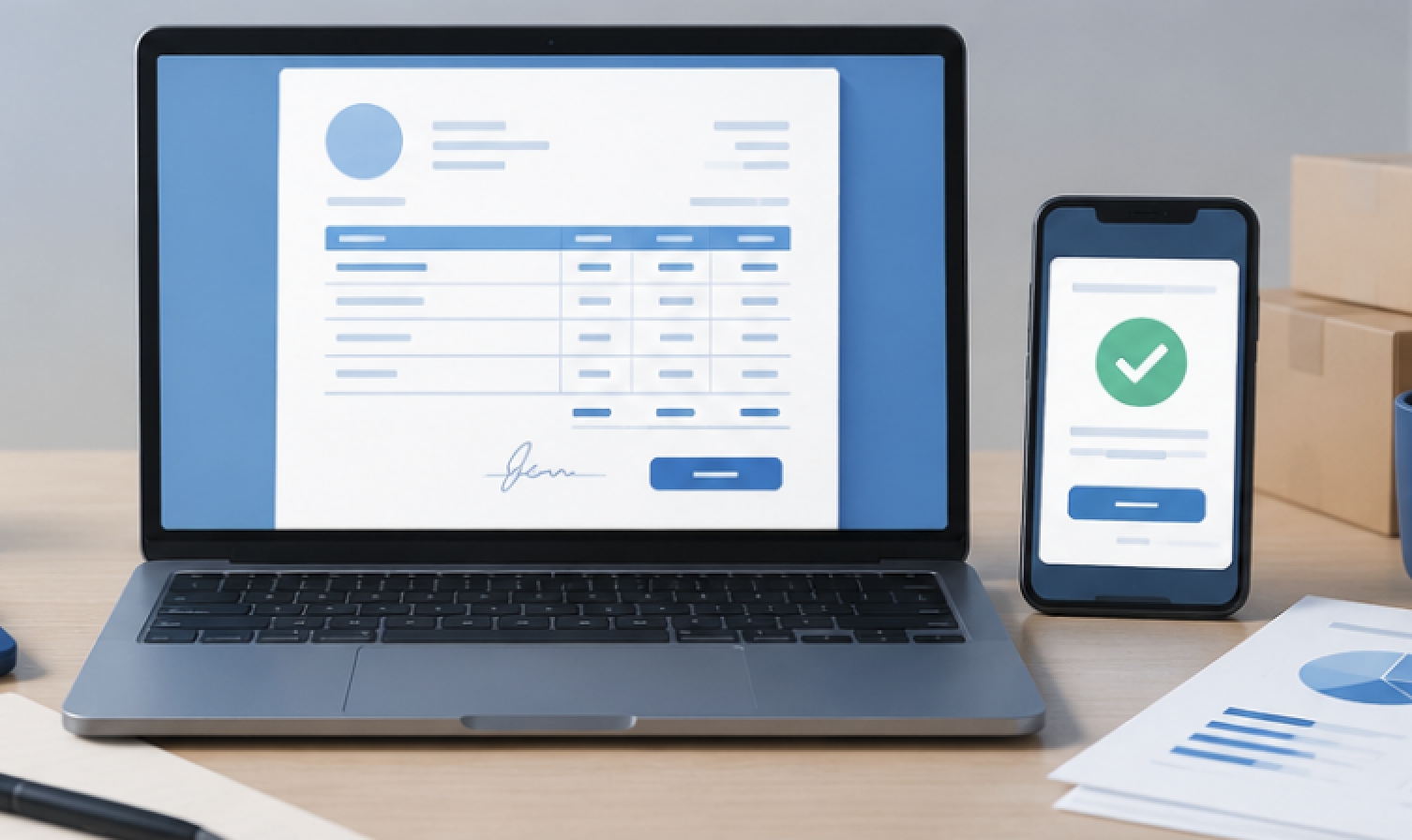
Getting paid on time is one of the biggest challenges freelancers face. Whether you’re a writer, designer, developer, consultant, marketer, or virtual assistant, professional invoicing plays a major role in maintaining healthy cash flow and building trust with clients.
Years ago, many freelancers created invoices manually using spreadsheets or word-processing software. While that approach still works, modern invoicing tools offer much more convenience. They can automate recurring invoices, track payments, send reminders, generate reports, and help organize financial records.
The best part is that many powerful invoicing platforms now offer free plans that are perfect for freelancers and small businesses.
If you’re looking for an easy way to create professional invoices without spending money, this guide explores the best free invoicing tools for freelancers in 2026.
Why Freelancers Need a Professional Invoicing Tool
Many new freelancers underestimate the importance of invoicing.
A professional invoice does more than request payment. It helps you:
- Look more professional
- Track income accurately
- Reduce payment delays
- Organize client records
- Simplify tax preparation
- Monitor outstanding invoices
- Improve cash flow management
Using a dedicated invoicing tool also reduces administrative work, allowing you to spend more time serving clients and growing your business.
What Features Should You Look for in an Invoicing Tool?
Not all invoicing platforms offer the same capabilities.
Before choosing a tool, consider whether it includes:
Invoice Creation
You should be able to create branded invoices quickly.
Payment Tracking
It’s crucial to stay informed about which invoices have been settled, are still outstanding, or are overdue.
Automated Reminders
Payment reminders can help reduce late payments.
Recurring Invoices
Useful for monthly retainers and subscription-based services.
Expense Tracking
Certain software solutions enable businesses to track expenses and manage invoices simultaneously.
Reporting Features
Financial reports help you understand your business performance.
The right combination of features depends on your freelance workflow.
1. Wave
Wave continues to be one of the most popular free invoicing solutions for freelancers.
It offers professional invoicing features without requiring a subscription fee.
Key Features
- Unlimited invoices
- Payment tracking
- Client management
- Financial reporting
- Recurring billing options
Best For
- Freelancers
- Consultants
- Small business owners
Advantages
- Easy to use
- Professional invoice templates
- Strong reporting tools
Limitations
- Some payment processing services involve transaction fees
For many freelancers, Wave provides everything needed to manage invoicing effectively.
2. Zoho Invoice
Zoho Invoice remains a leading choice for freelancers in 2026.
The platform combines invoicing, time tracking, client management, and automation features in a clean interface.
Key Features
- Custom invoice templates
- Time tracking
- Automated payment reminders
- Expense management
- Multiple currency support
Best For
- International freelancers
- Service providers
- Agencies
Advantages
- User-friendly design
- Excellent automation
- Mobile app support
Limitations
- Advanced accounting features may require other Zoho products
Zoho Invoice is especially useful for freelancers managing multiple clients and projects.
3. Invoice Ninja
Invoice Ninja has built a strong reputation among freelancers seeking flexibility and customization.
Key Features
- Invoice generation
- Expense tracking
- Client portal
- Time tracking
- Payment integrations
Best For
- Developers
- Designers
- Consultants
Advantages
- Extensive customization
- Open-source options
- Professional appearance
Limitations
- Slight learning curve for beginners
Freelancers seeking more oversight over their billing often choose platforms like Invoice Ninja for better management.
4. PayPal Invoicing
PayPal continues to be one of the most well-known and widely used digital payment services across the globe.
Its built-in invoicing system allows freelancers to send invoices directly to clients.
Key Features
- Quick invoice creation
- Online payment collection
- Payment tracking
- International support
Best For
- Freelancers working with global clients
- Beginners
- Service providers
Advantages
- Trusted payment platform
- Easy setup
- Fast client payments
Limitations
- Transaction fees apply to payments
For freelancers already using PayPal, the invoicing feature offers a convenient solution.
5. Canva Invoice Templates
Although Canva is primarily known as a design platform, it has become a useful invoicing option for freelancers who want complete control over invoice appearance.
Key Features
- Custom invoice templates
- Brand customization
- Professional layouts
- Download and sharing options
Best For
- Designers
- Creatives
- Personal branding professionals
Advantages
- Attractive templates
- Full design flexibility
- Beginner-friendly
Limitations
- No automatic payment tracking
Canva works well for freelancers who prioritize visual presentation.
6. Bonsai Free Features
Bonsai is specifically designed for freelancers and independent professionals.
It combines invoicing with broader business management tools.
Key Features
- Invoice generation
- Contract management
- Proposal creation
- Client organization
Best For
- Freelancers managing multiple projects
- Creative professionals
- Consultants
Advantages
- Freelancer-focused features
- Streamlined workflow
- Professional templates
Limitations
- Some advanced features require premium plans
Bonsai helps simplify the administrative side of freelancing.
7. Stripe Invoicing
Stripe is widely known for online payment processing, but its invoicing capabilities continue to improve.
Key Features
- Digital invoices
- Online payment collection
- Automated reminders
- Subscription billing
Best For
- Freelancers selling services online
- SaaS businesses
- Consultants
Advantages
- Reliable payments
- Strong automation
- International support
Limitations
- Transaction fees apply
Stripe works particularly well for freelancers who manage recurring billing.
Comparison of the Best Free Invoicing Tools
| Tool | Best For | Free Plan | Payment Tracking |
|---|---|---|---|
| Wave | General Freelancing | Yes | Yes |
| Zoho Invoice | Client Management | Yes | Yes |
| Invoice Ninja | Customization | Yes | Yes |
| PayPal Invoicing | Global Payments | Yes | Yes |
| Canva | Invoice Design | Yes | No |
| Bonsai | Freelance Management | Limited | Yes |
| Stripe Invoicing | Online Billing | Yes | Yes |
Each platform offers unique strengths depending on your business needs.
How to Choose the Right Invoicing Tool
The best invoicing software depends on how you work.
Choose Wave If
You want a simple, reliable, and fully featured invoicing solution.
Choose Zoho Invoice If
You manage multiple projects and need automation tools.
Choose Invoice Ninja If
Customization and flexibility are important to you.
Choose PayPal If
You frequently receive international payments.
Choose Canva If
You want complete control over invoice design.
Choose Stripe If
You offer recurring services or subscription-based work.
Matching the tool to your workflow will improve efficiency and save time.
Common Invoicing Mistakes Freelancers Should Avoid
Even with excellent software, invoicing mistakes can delay payments.
Sending Invoices Late
Invoice clients promptly after completing work.
Missing Payment Terms
Always include due dates and payment instructions.
Forgetting Follow-Ups
Automated reminders help reduce overdue invoices.
Using Unprofessional Designs
Clean, organized invoices build credibility.
Failing to Track Payments
Monitoring payment status helps maintain cash flow.
Avoiding these mistakes can improve both client relationships and financial management.
How Free Invoicing Tools Help Freelancers Grow
As freelance businesses expand, administrative tasks often increase.
Free invoicing tools help by:
- Reducing manual work
- Improving organization
- Enhancing professionalism
- Simplifying payment collection
- Providing financial visibility
These benefits allow freelancers to focus on delivering quality work rather than managing paperwork.
The Future of Freelance Invoicing
Invoicing software continues to evolve rapidly.
Future developments may include:
- AI-generated invoices
- Smart payment reminders
- Automated tax calculations
- Predictive cash flow forecasting
- Voice-assisted billing management
As automation improves, freelancers will spend less time on administration and more time growing their businesses.
Conclusion
The best free invoicing tools for freelancers in 2026 make it easier than ever to create professional invoices, track payments, manage clients, and maintain healthy cash flow. Whether you choose Wave, Zoho Invoice, Invoice Ninja, PayPal Invoicing, Canva, Bonsai, or Stripe, the right platform can streamline your workflow and improve your business operations.
A professional invoicing system not only helps you get paid faster but also strengthens your reputation as a reliable freelancer. Investing a little time in selecting the right tool today can save countless hours in the future.
Frequently Asked Questions
1. What is the best free invoicing tool for freelancers?
Wave and Zoho Invoice are among the most popular free invoicing tools because they offer professional features without monthly fees.
2. Can I create invoices for free online?
Yes. Many platforms allow freelancers to create, send, and manage invoices without paying for a subscription.
3. Which invoicing tool is best for international clients?
PayPal Invoicing, Stripe, and Zoho Invoice are strong choices for freelancers working with international clients.
4. Do free invoicing tools include payment tracking?
Many free invoicing platforms provide payment tracking, invoice status monitoring, and reminder features.
5. Can invoicing software help me get paid faster?
Yes. Automated reminders, online payment options, and professional invoice formats often reduce payment delays.
6. Are free invoicing tools suitable for full-time freelancers?
Absolutely. Many full-time freelancers successfully manage their businesses using free invoicing platforms before upgrading to premium solutions if needed.