

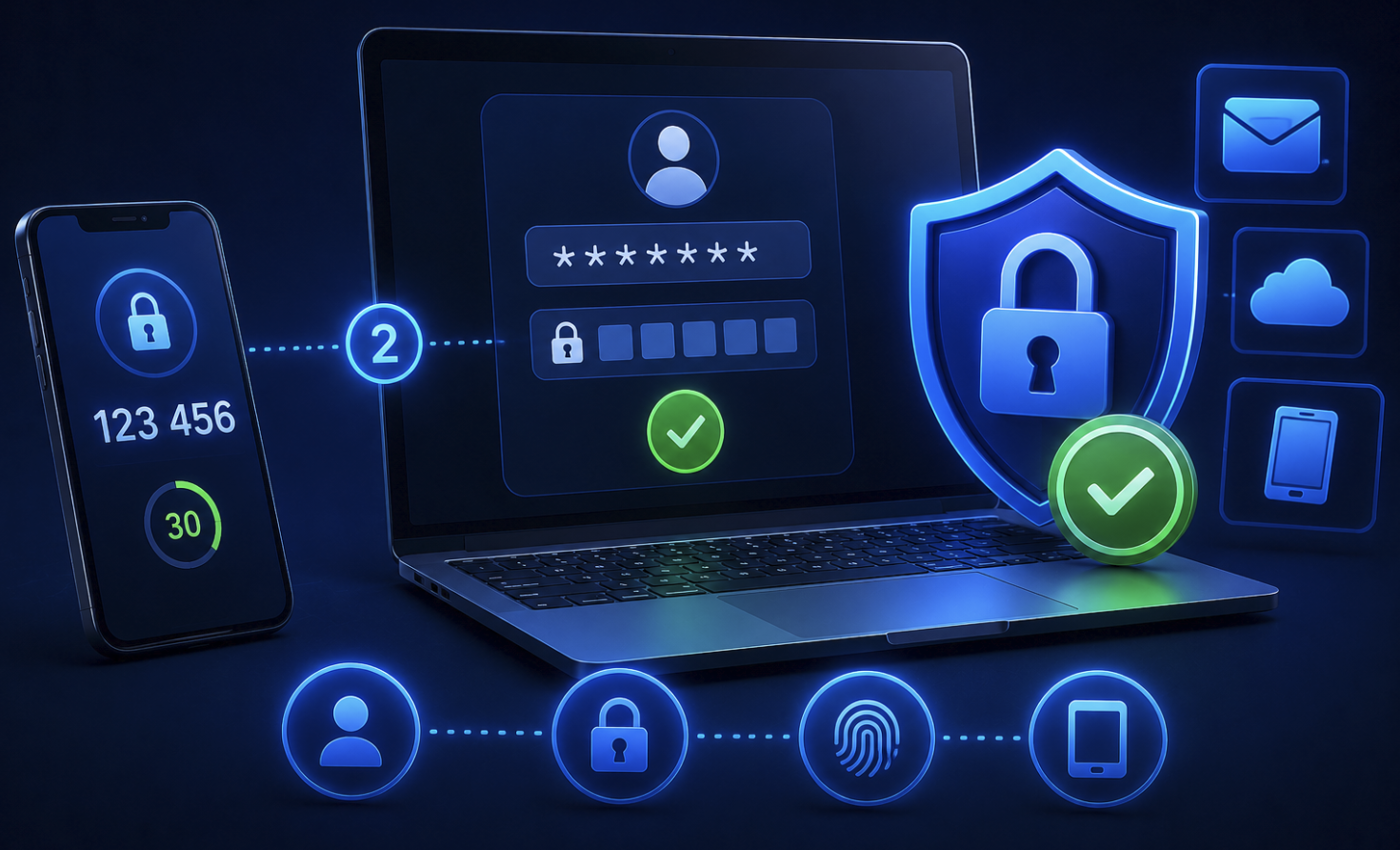
Passwords have a fundamental problem. No matter how strong yours is, random characters, twelve digits long, never reused, a single data breach at any company you’ve signed up with can expose it. Hackers don’t need to be sophisticated to exploit a leaked password. They just need to try it.
Two-factor authentication exists specifically to make a stolen password useless on its own. It’s one of the most effective security improvements available to any internet user, it takes about two minutes to set up on most accounts, and it’s free. Yet a surprising number of people still haven’t enabled it.
Here’s what it actually is, how it works, and why treating it as optional is a mistake you don’t want to learn from firsthand.
What Two-Factor Authentication Actually Means
Two-factor authentication, commonly called 2FA; adds a second verification step to the login process. Instead of just entering a password, you also have to prove your identity through a second method before access is granted.
The logic behind it comes from a simple security principle: authentication can be based on something you know, something you have, or something you are. A password is something you know. The second factor is typically something you have, a physical device, a one-time code, or a biometric that confirms you’re the real account owner.
Even if someone gets your password, they can’t log in without also having access to your second factor. For most attackers, that second barrier is enough to make them move on to easier targets.
The Most Common Types of 2FA
Not all two-factor authentication works the same way. Here’s what the main types look like in practice:
SMS verification codes After entering your password, you receive a text message with a six-digit code that expires in a few minutes. This is the most widely used form of 2FA and significantly better than no second factor at all. It’s also the weakest form, SIM swapping attacks, where a criminal convinces a carrier to transfer your phone number to their device, can bypass it. For most people on most accounts, it’s still a meaningful security improvement. For high-value accounts like banking or crypto, something stronger is preferable.
Authenticator apps Apps like Google Authenticator, Microsoft Authenticator, and Authy generate time-based one-time codes that change every 30 seconds. These codes are generated locally on your device rather than sent over a network, making them significantly harder to intercept than SMS codes. This is the recommended second factor for most accounts, it’s free, works offline, and isn’t vulnerable to SIM swapping.
Hardware security keys Physical devices like YubiKey plug into your computer or tap against your phone and provide the strongest available form of 2FA. They’re nearly impossible to phish because they verify the website’s identity as part of the authentication process, meaning a fake login page can’t capture the key’s response even if you enter your credentials there. Hardware keys are the gold standard for journalists, executives, and anyone handling genuinely sensitive accounts.
Passkeys A newer standard gaining fast adoption in 2026, passkeys replace passwords entirely using cryptographic key pairs stored on your device. Many platforms now support passkeys as a primary authentication method; Apple, Google, and Microsoft have all built passkey support into their ecosystems. They’re phish-resistant by design and represent where authentication is heading long-term.
Biometric confirmation Face ID or fingerprint confirmation as a second factor is increasingly common on mobile apps, particularly banking. Your biometric data stays on your device and isn’t transmitted to the service, it’s used locally to unlock the authentication process.
Why Passwords Alone Aren’t Enough Anymore
The scale of credential exposure on the internet is difficult to overstate. Billions of username and password combinations from past breaches are freely available to anyone who looks. Services like HaveIBeenPwned let you check whether your email address has appeared in known data breaches, and for most people who’ve been online for more than a few years, the answer is yes.
Password reuse makes this dramatically worse. If you use the same password across multiple sites and one of those sites gets breached, attackers run the leaked credentials against every other major platform automatically. This is called credential stuffing, and it’s responsible for a significant portion of account compromises that seem to come from nowhere.
A strong, unique password on every account, ideally managed by a password manager, addresses the reuse problem. Two-factor authentication addresses the breach problem. Together, they close the two most common paths attackers use to get into accounts they shouldn’t.
Accounts Where You Should Enable 2FA Right Now
Prioritize enabling 2FA on the accounts where a breach would cause the most damage:
- Email accounts, these are the master key to everything else, since password resets go through email
- Banking and financial accounts
- Investment and cryptocurrency accounts
- Primary social media accounts
- Your password manager account
- Work accounts and anything with access to sensitive professional information
- Any platform where you store payment information
On most major platforms, 2FA is found under Settings -> Security or Settings -> Privacy. It typically takes two to three minutes to set up and requires nothing more than scanning a QR code with an authenticator app.
The Backup Codes Step Most People Skip
Every service that offers 2FA also provides backup codes, a set of one-time-use codes you can save and use to access your account if you lose your phone or authenticator app. These codes are important and routinely ignored.
Print them or store them somewhere physically secure, not in a file on the same device you use for 2FA. Losing access to your authenticator without backup codes can lock you out of your own accounts, sometimes permanently depending on the platform’s account recovery process.
Frequently Asked Questions
1. Does 2FA make my account completely secure?
Significantly more secure, but not immune to everything. Advanced phishing, malware capturing codes, and social engineering can still hijack accounts. Using an authenticator app or hardware key instead of SMS reduces most of these risks substantially.
2. What should I do if I lose my phone that has my authenticator app installed?
This is where backup codes matter. Most authenticator apps like Authy also support encrypted cloud backup of your 2FA codes, so they restore when you sign into a new device. Google Authenticator added similar functionality in 2023. Save your backup codes when setting up 2FA on each account.
3. Is SMS 2FA better than no 2FA?
Yes, meaningfully so. While SMS-based 2FA has known vulnerabilities, it blocks the vast majority of automated attacks. If SMS is the only option a platform offers, enable it. Upgrade to an authenticator app wherever that option exists.
4. Do I need 2FA if I have a strong password?
Yes. Strong passwords protect against brute-force attacks, but not against breaches at the service level where your password is exposed through no fault of your own. 2FA protects the account even when the password is known.
5. Are passkeys replacing 2FA?
Passkeys replace the password-plus-2FA combination with a single, stronger authentication method. They’re phish-resistant by design and don’t require a separate second factor. Adoption is growing fast, where passkeys are available, they’re worth using over traditional password-plus-2FA setups.