

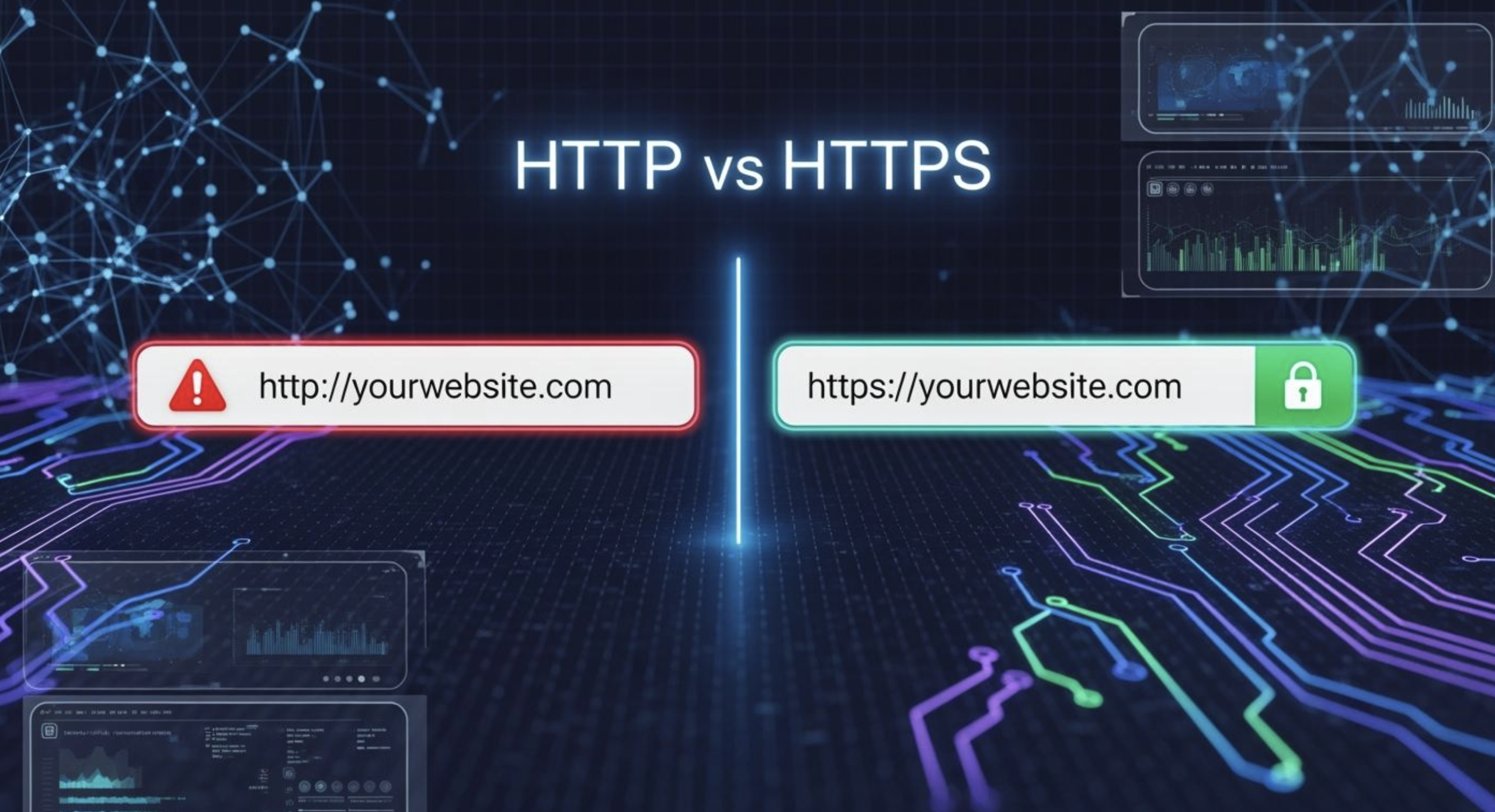
Whenever you visit a website, your browser needs a way to communicate with that website’s server. Your browser and the website communicate using web protocols, and HTTP and HTTPS are two of the main protocols used for this purpose.
You may have noticed that some websites begin with http://, while others use https://. You may also have seen a padlock symbol next to a website’s address in your browser.
But what does HTTPS actually mean? Why is it considered safer than HTTP? But what happens when you submit your personal information through a website that still uses HTTP instead of HTTPS?
Understanding the difference is useful because you regularly share information online, including passwords, contact details, search queries, and payment information.
In this guide, you’ll learn what HTTPS is, how it works, how it differs from HTTP, what encryption means, and why HTTPS has become an essential part of modern web security.
What Is HTTP?
HTTP stands for Hypertext Transfer Protocol.
HTTP provides the basic rules that let a web browser request information from a web server and receive a response.
When you enter a website address into your browser, your browser sends requests to the appropriate server. The server then sends information back to your browser.
That information might include:
- HTML documents
- Images
- Videos
- CSS files
- JavaScript
- Other website resources
HTTP provides the rules that allow this communication to happen.
The problem is that standard HTTP does not encrypt the information moving between your browser and the server.
That creates an important security weakness.
When sensitive data travels over an unencrypted connection, an attacker who manages to intercept that traffic may be able to view or alter the information.
What Is HTTPS?
HTTPS stands for Hypertext Transfer Protocol Secure.
It is the secure version of HTTP.
HTTPS encrypts the connection between your browser and the site, adding an extra layer of protection to the data being exchanged.
Instead of sending data in a form that can be easily understood if intercepted, HTTPS protects the communication using modern cryptographic protocols.
Today, HTTPS generally relies on TLS, or Transport Layer Security.
You may still hear people refer to an “SSL certificate.” SSL was the predecessor to TLS, and the term SSL certificate remains widely used even though modern HTTPS connections use TLS.
When you open an HTTPS website, your browser and the server first establish a protected connection before securely exchanging data.
HTTP vs HTTPS: What’s the Difference?
The biggest difference between HTTP and HTTPS is security.
| Feature | HTTP | HTTPS |
|---|---|---|
| Encryption | No | Yes |
| Data protection | Limited | Stronger |
| Authentication | No certificate-based server authentication | Uses digital certificates |
| Connection security | Lower | Higher |
| Common use today | Mostly legacy or non-sensitive contexts | Standard for modern websites |
| URL | http:// | https:// |
HTTPS adds security mechanisms that HTTP alone doesn’t provide.
This protection becomes particularly important for websites that handle passwords, personal details, payment information, or other sensitive data.
How Does HTTPS Work?
HTTPS may sound technical at first because it relies on encryption, digital certificates, and other security technologies.
Fortunately, you don’t need to understand every mathematical detail to understand the basic process.
When you visit an HTTPS website, your browser and the server perform a process commonly known as a TLS handshake.
During this process, they establish the information needed to create a secure connection.
The server provides a digital certificate that helps the browser verify the server’s identity.
The browser checks the certificate and, if everything is valid, the two sides establish encryption keys for the connection.
After that, data exchanged through the connection is protected using encryption.
The exact details depend on the TLS version and cryptographic methods being used.
What Is Encryption?
Encryption converts readable data into a protected format so that unauthorized people cannot easily understand it if they gain access to the transmitted information.
Imagine writing a message in a special code that only the intended recipient can decode.
HTTPS applies a much more sophisticated version of this concept.
For example, when you fill out and submit a form on an HTTPS-enabled site, the information is encrypted as it moves from your browser to the site’s server.
As a result, anyone attempting to monitor the network has a much harder time viewing the information while it is in transit.
Encryption doesn’t mean that data becomes completely inaccessible to everyone.
The website’s server still needs to process the information after it receives it.
The main goal is to keep the exchange protected while information moves between your device and the server.
What Is a TLS Certificate?
A TLS certificate is a digital credential that helps verify a website’s identity and plays an important role in creating a secure HTTPS connection.
When you visit an HTTPS website, the certificate provides information about the website’s identity and includes cryptographic information used as part of the secure connection.
Certificates are issued by trusted Certificate Authorities, commonly called CAs.
Browsers come with a built-in list of certificate authorities they recognize as trusted.
When a browser encounters a certificate, it can check whether the certificate is valid and whether it has been issued for the appropriate domain.
If there is a serious certificate problem, your browser may display a security warning.
What Does the Padlock Symbol Mean?
You may see a padlock icon beside an HTTPS website’s address.
This generally indicates that the connection between your browser and the website is protected using HTTPS.
However, the padlock should not be interpreted as proof that the website itself is trustworthy.
A fraudulent or malicious website can also use HTTPS.
HTTPS protects the connection. It doesn’t guarantee that the business behind a website is legitimate or that the content is safe.
For example, a scam website can obtain a valid certificate and use HTTPS.
So always consider the website’s domain name, reputation, content, and other trust signals.
Why Is HTTPS More Secure Than HTTP?
HTTPS provides several important security benefits.
Encryption
HTTPS encrypts information traveling between the browser and server.
This makes it significantly harder for someone intercepting the connection to understand the data.
Authentication
HTTPS uses certificates to help verify that you’re communicating with the intended domain.
This helps reduce certain types of impersonation and interception attacks.
Data Integrity
HTTPS helps protect data from being modified while it travels between your browser and the server.
Without integrity protection, an attacker with the ability to interfere with network traffic could potentially alter information in transit.
These three properties are commonly associated with secure communications:
Confidentiality, authentication, and integrity.
Why Does HTTPS Matter for Passwords?
Passwords are sensitive information.
If a website sends login credentials through an unencrypted HTTP connection, the information may be exposed to someone who can monitor the connection.
HTTPS encrypts the connection, helping protect credentials while they travel between your device and the server.
This is one reason HTTPS is essential for login pages.
However, HTTPS doesn’t protect you from every password-related threat.
For example, if you enter your password into a fake website using HTTPS, the connection may still be encrypted, but you’re sending your password directly to the wrong party.
Even with HTTPS, it’s a good idea to verify the website’s address before sharing passwords, payment details, or other private information.
Why Is HTTPS Important for Online Payments?
Payment information requires strong protection.
Websites that process payments should use secure connections to protect information exchanged between the browser and server.
HTTPS is an essential part of secure web communication, but online payment security involves much more than HTTPS.
Businesses also need appropriate payment systems, access controls, security monitoring, secure software, and responsible handling of customer information.
When making an online purchase, check that you’re using the legitimate website and that the connection is secure.
Does HTTPS Protect You on Public Wi-Fi?
HTTPS can provide important protection when you’re using an untrusted network.
For example, imagine you’re using a public Wi-Fi network at an airport or café.
Without encryption, information sent through certain types of connections could be more exposed to network interception.
By encrypting the connection, HTTPS helps safeguard information as it moves between your browser and the website’s server.
That makes it much harder for someone on the network to read the protected information exchanged between your device and the HTTPS website.
However, HTTPS isn’t a replacement for general device and account security.
You should still use strong passwords, keep software updated, and avoid suspicious websites and downloads.
Does HTTPS Make a Website Completely Safe?
No.
This is one of the most important points to understand.
HTTPS protects communication between your browser and the server, but it doesn’t guarantee that the website itself is safe.
A website using HTTPS could still:
- Contain malicious content
- Attempt to scam visitors
- Collect information unfairly
- Host misleading information
- Use vulnerable software
- Be operated by criminals
HTTPS is a security layer, not a guarantee of trustworthiness.
Always consider the website itself before entering sensitive information.
Can an HTTP Website Be Dangerous?
An HTTP website isn’t automatically malicious.
However, HTTP provides no encryption for the connection itself.
That means information transmitted through a plain HTTP connection can be more vulnerable to interception or manipulation.
Modern browsers increasingly warn users when websites don’t provide secure connections, particularly when sensitive information may be involved.
For modern websites, HTTPS is generally the expected standard.
Does HTTPS Affect Website SEO?
HTTPS is also relevant to website owners because search engines consider security and user experience important.
Google has confirmed that HTTPS is one of the signals it considers when evaluating websites in search.
However, switching to HTTPS isn’t a shortcut to higher rankings.
Content quality, relevance, technical performance, usability, links, and many other factors can influence search visibility.
Website owners should therefore implement HTTPS primarily for security and user trust, while also recognizing its role as part of modern website infrastructure.
Does HTTPS Make Websites Faster?
HTTPS itself isn’t simply a “speed booster.”
However, modern web technologies and protocols commonly used with secure connections can provide performance advantages.
For example, HTTP/2 and HTTP/3 can improve how browsers and servers exchange resources.
The actual speed of a website depends on many factors, including:
- Server performance
- Hosting infrastructure
- Image sizes
- Caching
- Code efficiency
- Content delivery networks
- Network conditions
So HTTPS should not be viewed as a direct guarantee of faster loading.
How Can You Check If a Website Is Using HTTPS?
The easiest method is to look at the website address in your browser.
A secure website will generally begin with:
https://
For example:
https://example.com
Your browser may also display a security icon next to the address.
If you click the security information provided by your browser, you can often view additional details about the connection and certificate.
Browser interfaces vary, so the exact appearance may differ between Chrome, Edge, Firefox, Safari, and other browsers.
How Do Website Owners Enable HTTPS?
Website owners generally need a TLS certificate for their domain and a web server configured to use HTTPS.
A typical process involves:
- Obtain a TLS certificate.
- Install the certificate on the web server.
- Configure the server for HTTPS.
- Redirect HTTP URLs to HTTPS.
- Update internal links where necessary.
- Check images, scripts, and other resources.
- Test the website for security and configuration problems.
- Update relevant search engine and analytics settings.
Many hosting providers and certificate services simplify this process.
Some providers also offer automated certificate renewal.
Website administrators should ensure certificates remain valid and properly configured.
What Happens If an HTTPS Certificate Expires?
TLS certificates have validity periods.
If a certificate expires and isn’t renewed, browsers may display security warnings when users attempt to visit the website.
This can damage user confidence and potentially prevent normal access.
For this reason, website owners should monitor certificate expiration and use automated renewal where available.
Modern certificate management tools can make this much easier than manually renewing certificates.
HTTP to HTTPS: What Website Owners Should Know
Moving an existing website from HTTP to HTTPS requires more than simply installing a certificate.
When moving a website to HTTPS, owners should set up redirects correctly and ensure that important website resources also load securely.
They should also check for mixed content.
Mixed content occurs when an HTTPS page attempts to load certain resources, such as scripts or images, over an insecure HTTP connection.
Depending on the resource and browser, this can cause warnings or prevent the resource from loading.
A thorough migration should include testing the entire website after the change.
Common HTTPS Mistakes to Avoid
Even when a website uses HTTPS, configuration mistakes can reduce security.
Common problems include:
Expired Certificates
An expired certificate can trigger browser warnings.
Mixed Content
A secure page that still loads certain resources over an insecure connection can introduce security and compatibility issues.
Incorrect Redirects
Website owners should normally configure their HTTP pages to redirect visitors to the corresponding HTTPS versions.
Ignoring Security Warnings
Never tell visitors to ignore browser certificate warnings without understanding why they’re appearing.
Assuming HTTPS Means Everything Is Safe
HTTPS protects the connection, not the entire website or its operator.
HTTP vs HTTPS: Which One Should You Use?
For modern websites, HTTPS is the clear choice.
If you’re simply browsing the web, you should generally prefer websites that use HTTPS, especially when entering sensitive information.
If you’re managing a website, HTTPS should be considered a fundamental part of your security setup.
The benefits go beyond protecting passwords.
HTTPS helps protect:
- Login information
- Personal information
- Form submissions
- Payment-related communication
- Website content in transit
- User privacy
It also helps establish a baseline of trust between websites and their visitors.
Final Thoughts
At its core, the main distinction between HTTP and HTTPS is how securely information is transmitted between your browser and a website.
HTTP provides a way for browsers and servers to exchange information, but traditional HTTP doesn’t encrypt that communication.
HTTPS adds TLS-based security, helping protect information from interception and unauthorized modification while also helping authenticate the website you’re connecting to.
For everyday internet users, the most important habit is simple: pay attention to the website address, be cautious about where you enter sensitive information, and don’t assume that a padlock alone means a website is trustworthy.
For website owners, HTTPS is no longer an optional extra. Today, HTTPS is considered a basic security requirement for a modern website.
Understanding HTTPS vs HTTP gives you a better idea of what happens behind the scenes whenever you visit a website and why secure web communication matters.
Frequently Asked Questions
1. How is HTTPS different from HTTP?
HTTP transfers web information without encryption, while HTTPS uses TLS to protect communication between your browser and the website’s server.
2. Is HTTPS safer than HTTP?
Yes. HTTPS provides encryption, authentication mechanisms through digital certificates, and protection against certain types of data modification during transmission.
3. Does HTTPS mean a website is completely safe?
No. HTTPS protects the connection to the server, but it doesn’t guarantee that the website itself is legitimate, trustworthy, or free from security risks. It doesn’t guarantee that the website is legitimate, free from malware, or operated by a trustworthy organization.
4. Is HTTPS required for websites?
HTTPS is strongly recommended for modern websites and is essential when handling sensitive information. Modern web browsers and many web services expect secure connections.
5. What does the padlock next to a website mean?
The padlock generally indicates that your connection to the website is protected by HTTPS. It doesn’t prove that the website itself is trustworthy.
6. Can HTTPS prevent hackers from stealing information?
HTTPS can make it much harder for attackers to intercept and understand information traveling between your browser and the server. However, it cannot protect against every type of attack, such as phishing, malware, compromised accounts, or unsafe websites.