

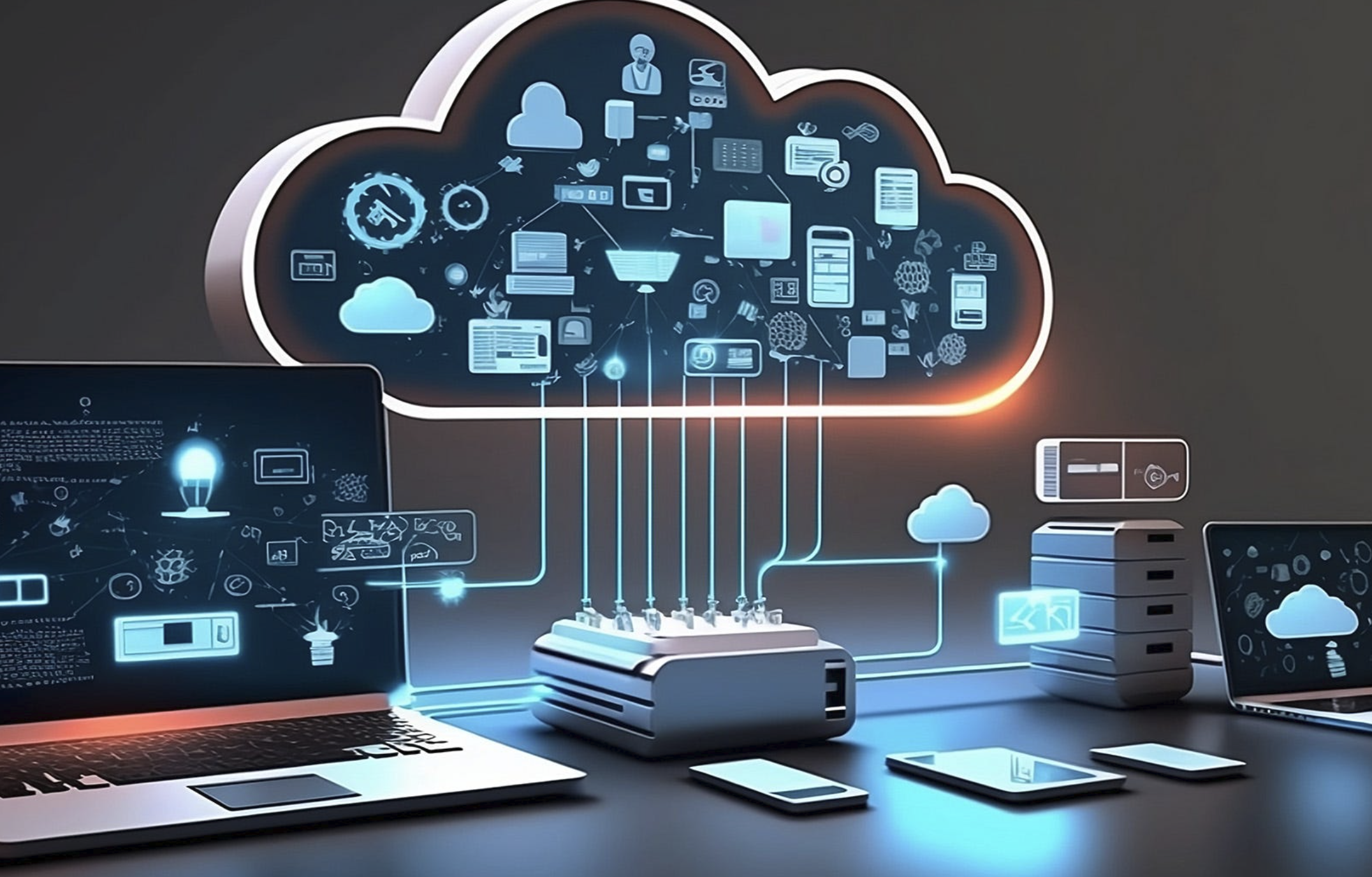
In today’s digital world, cloud computing has become an essential part of how we store, access, and manage data. But for many newcomers, the concept can seem complex and overwhelming. Don’t worry – this guide is designed to break down the basics of cloud computing in a simple and straightforward way.
Whether you’re a student, a small business owner, or just curious about how the cloud works, you’ll gain a clear understanding of what cloud computing is, how it benefits us, and why it’s transforming the way we use technology every day.
What Is Cloud Computing?
Cloud computing can sound complicated when you first encounter terms such as servers, virtualization, infrastructure, platforms, and software as a service.
In reality, the basic idea is quite simple.
Cloud computing means using computing resources over the internet instead of relying entirely on your own computer or physical hardware.
Those resources can include:
- Storage
- Servers
- Databases
- Software
- Networking
- Processing power
- Backup systems
- Development tools
For example, when you save photos to an online storage service instead of keeping them only on your laptop, you’re using cloud-based storage.
Similarly, when you use an online document editor through your browser without installing the full application on your computer, you’re using a cloud service.
The cloud isn’t some hidden or magical place floating in the sky; it’s a network of remote servers accessible via the internet. It is a network of physical data centers, servers, networking equipment, and software operated by cloud providers.
How Does Cloud Computing Work?
To understand cloud computing, imagine that you need a powerful computer for a particular task.
Traditionally, you would purchase a physical machine, install software, maintain it, upgrade its hardware, and pay for electricity and other operating costs.
Cloud computing changes that model.
Instead of purchasing and maintaining all the hardware yourself, you can access computing resources through an internet connection.
A cloud provider operates physical infrastructure in data centers. Customers can then use portions of that infrastructure through online services.
For example, a business might rent:
- Virtual servers
- Online storage
- Database capacity
- Computing power
- Networking resources
The provider manages much of the underlying infrastructure, while the customer manages the resources and applications they are responsible for.
This arrangement can make computing resources easier to obtain and scale.
What Are the Main Types of Cloud Computing?
Cloud computing isn’t one single service.
It includes several different models.
Infrastructure as a Service (IaaS)
Infrastructure as a Service (IaaS) offers basic computing resources like virtual servers, storage options, and network setups that you can use to build your systems.
Instead of buying physical servers, a business can rent virtual infrastructure from a cloud provider.
This gives technical teams considerable control, but it also means they are responsible for managing more of the environment.
Platform as a Service (PaaS)
PaaS provides an environment where developers can build and deploy applications without managing every part of the underlying infrastructure.
This can simplify application development and deployment.
Developers can focus more on their code while the provider manages more of the infrastructure.
Software as a Service (SaaS)
SaaS provides software through the internet.
Instead of installing and maintaining traditional software locally, you access the application through a browser or dedicated app.
Email platforms, online office applications, project management tools, and customer relationship systems are common examples of cloud-based software.
For many everyday users, SaaS is the cloud computing model they encounter most often.
What Are the Different Cloud Deployment Models?
Cloud environments can also be categorized by how infrastructure is deployed.
Public Cloud
A public cloud is operated by a cloud provider that makes computing resources available to multiple customers.
Customers typically share the provider’s underlying physical infrastructure while keeping their environments logically separated.
Public clouds can offer flexibility and scalability without requiring businesses to build their own large data centers.
Private Cloud
A private cloud environment is dedicated to a particular organization.
It can provide greater control over infrastructure and configurations, although it may require more resources and expertise to operate.
Hybrid Cloud
A hybrid cloud merges your private, on-premises infrastructure with public cloud services to give you more flexibility and control.
A company might keep certain workloads in its own environment while using public cloud resources for other applications.
This approach can provide flexibility, although managing multiple environments can also increase complexity.
What Are the Benefits of Cloud Computing?
Cloud computing has become popular because it can solve several practical problems.
Lower Hardware Requirements
Businesses don’t necessarily need to purchase large amounts of physical infrastructure upfront.
Instead, they can access computing resources through cloud services.
Scalability
One of the biggest advantages is the ability to increase or decrease resources based on demand.
For example, an online store may need additional computing capacity during a major shopping event.
Cloud services can make it easier to respond to changing workloads.
Accessibility
Cloud applications can often be accessed from different devices and locations, provided you have an internet connection and appropriate permissions.
This is particularly useful for distributed and remote teams.
Faster Deployment
Cloud resources can often be provisioned much faster than purchasing, installing, and configuring physical hardware.
Development teams can quickly set up virtual testing and development environments without the delays involved in procuring and installing new physical hardware.
Automatic Updates
Many cloud-based applications handle software updates on the provider’s side.
This can reduce the need for users to manually install every update.
Backup and Recovery Options
Cloud solutions often include tools to back up data, duplicate information across locations, and recover from unexpected disruptions.
However, you should never assume that every cloud service automatically provides the exact backup protection you need.
What Are Some Everyday Examples of Cloud Computing?
Chances are, you’re using cloud computing services more frequently than you might think, often without even noticing.
Online Email
Many email services store messages on remote servers rather than keeping everything exclusively on your device.
Cloud Storage
Services that let you save files online and access them from different devices are cloud storage platforms.
Streaming Services
When you stream a movie or music rather than downloading the entire media library to your device, cloud-based infrastructure may be involved in delivering that content.
Online Collaboration
Cloud-based document and collaboration tools allow multiple people to work with shared files and information.
Online Banking
Banks use extensive computing infrastructure to provide online account access, transactions, and other digital services.
Smartphone Backups
Your phone may automatically back up photos, contacts, settings, or other information to cloud infrastructure.
Cloud Computing vs. Traditional Computing
Clarifying the differences is simpler when you look at a straightforward example that illustrates how cloud computing works.
Suppose a small business needs a server.
Traditional Approach
The business might:
- Purchase a physical server.
- Install it on-site.
- Configure the operating system.
- Maintain the hardware.
- Replace failed components.
- Increase capacity when the business grows.
Cloud Approach
The business could:
- Select a cloud service.
- Create the required resources.
- Configure the environment.
- Pay for the resources it uses.
- Increase or decrease capacity when necessary.
The cloud approach doesn’t eliminate management responsibilities, but it changes who handles much of the underlying infrastructure.
What Does “Cloud Storage” Mean?
Among all cloud computing ideas, cloud storage is one of the simplest to grasp.
Rather than keeping all your files on your local hard drive, you save them on remote servers managed by a cloud provider accessible via the internet.
Once stored in the cloud, you can retrieve and work on your files from any device with an internet connection.
For example, you might store:
- Photos
- Documents
- Videos
- Presentations
- Backups
- Work files
Cloud storage can also make file sharing easier.
However, you should still pay attention to account security, sharing permissions, privacy settings, and backup requirements.
Using cloud storage alone doesn’t automatically mean your data is fully backed up; a comprehensive backup plan involves additional steps.
Is Cloud Computing Secure?
While cloud computing can offer strong security, it doesn’t happen by default — proper precautions are essential.
Cloud security involves both the provider and the customer.
Cloud service providers typically secure the physical servers and core systems that support their services to keep them safe. Customers are often responsible for areas such as:
- Passwords
- Access permissions
- Account security
- Application configurations
- Data management
- User accounts
This approach is known as a shared responsibility model, where both the provider and the user have security roles to play.
For example, a cloud provider may secure the physical data center, while your organization is responsible for deciding which employees can access a particular database.
To improve cloud security, use strong unique passwords, enable multi-factor authentication, restrict permissions, keep systems updated, and monitor account activity.
What Does Cloud Computing Cost?
Cloud pricing varies considerably depending on the service.
Some consumer cloud services offer free storage or basic plans with limited features.
Businesses may pay according to factors such as:
- Storage capacity
- Computing resources
- Data transfer
- Number of users
- Software features
- Database usage
- Support plans
One major attraction of cloud computing is that businesses can often avoid large upfront hardware purchases.
However, cloud spending can become complicated.
Resources that are no longer needed should be reviewed and removed where appropriate.
Businesses should also monitor usage because unnecessary cloud resources can increase costs.
Who Uses Cloud Computing?
Cloud computing is used by individuals, startups, small businesses, large corporations, schools, governments, developers, and many other organizations.
A small business might use cloud software for:
- Accounting
- File storage
- Project management
- Customer management
A technology company might use cloud infrastructure to:
- Host websites
- Run databases
- Build applications
- Analyze data
- Train or operate AI systems
Big companies often turn to cloud environments to handle complex tasks that require processing vast quantities of data and significant computing power.
The advantage is that the same broad concept can support both simple personal tasks and highly sophisticated business applications.
What Are the Disadvantages of Cloud Computing?
Cloud computing has many benefits, but it isn’t perfect.
Internet Dependence
Many cloud services require an internet connection.
If your connection is unavailable or unreliable, accessing certain services may become difficult.
Ongoing Costs
Instead of making one large hardware purchase, businesses may have recurring cloud expenses.
If resources aren’t managed carefully, cloud services can result in surprisingly large costs.
Privacy Concerns
Sensitive information stored with third-party providers requires careful consideration of privacy policies, security controls, and applicable regulations.
Vendor Lock-In
Moving applications and data from one cloud provider to another can sometimes be complicated.
Businesses should consider portability before building systems that depend heavily on provider-specific technologies.
Configuration Mistakes
Even a reputable cloud provider cannot prevent every customer-side configuration mistake.
Incorrect permissions or exposed resources can create security problems.
How to Get Started With Cloud Computing
For those just starting out with cloud computing, it’s best not to attempt mastering all aspects in one go.
Start with the services you actually need.
For personal use, you might begin with:
- Cloud storage
- Online document tools
- Smartphone backups
- Online collaboration services
For business use, begin by identifying a specific problem.
Ask:
What do we currently manage ourselves that could be delivered more efficiently through a cloud service?
Then compare providers based on:
- Features
- Pricing
- Security
- Reliability
- Support
- Data location
- Compatibility
- Scalability
Start with a small project before moving critical workloads to a new environment.
The Future of Cloud Computing
Cloud computing continues to support many newer technologies.
Artificial intelligence, machine learning, big data, remote collaboration, application development, and digital services all rely heavily on scalable computing infrastructure.
Cloud platforms are also becoming increasingly automated.
Businesses can now access sophisticated computing resources without building every component themselves.
This doesn’t mean physical data centers are disappearing.
The cloud still depends on physical infrastructure.
The major change is how that infrastructure is accessed, managed, shared, and delivered to customers.
Conclusion
Cloud computing may sound technical, but the basic concept is straightforward.
Instead of owning and managing every computing resource yourself, you can access storage, software, servers, databases, and other resources through cloud services.
For individuals, this can mean convenient file storage, backups, online applications, and collaboration.
For businesses, it can provide scalable infrastructure without requiring them to build and maintain all of that infrastructure themselves.
However, cloud computing isn’t simply about moving everything online. You still need to consider security, privacy, costs, performance, reliability, and data management.
Once you understand these fundamentals, terms such as IaaS, PaaS, SaaS, public cloud, private cloud, hybrid cloud, and cloud storage become much easier to understand.
The best way to learn is to start with a real problem you want to solve and explore how cloud technology can address it.
Frequently Asked Questions
1. What is cloud computing in simple words?
Cloud computing means using computing resources such as storage, servers, software, and databases over a network, usually the internet, instead of relying entirely on your own physical hardware.
2. Is cloud computing the same as cloud storage?
No. Cloud storage is one type of cloud service. Cloud computing is a much broader concept that includes storage, servers, databases, networking, software, development platforms, and processing resources.
3. What are the three main types of cloud computing?
The three commonly discussed service models are IaaS (Infrastructure as a Service), PaaS (Platform as a Service), and SaaS (Software as a Service).
4. Is cloud computing safe?
Cloud computing can provide strong security, but safety depends on the provider, service, configuration, account controls, and how users manage their data. Good security practices are still necessary.
5. Do I need technical skills to use cloud computing?
Not necessarily. Everyday cloud services such as online storage, email, and collaboration applications can be used without advanced technical knowledge. More complex cloud infrastructure requires greater technical expertise.
6. Why do businesses use cloud computing?
Businesses use cloud computing for many reasons, including scalability, flexibility, faster deployment, remote access, reduced hardware requirements, and access to advanced computing services.